
WooCommerce for Service Bookings: What Works and What Doesn't
WooCommerce is built for products, but with the right architecture it powers deposits, add-ons, and complex service checkout flows.
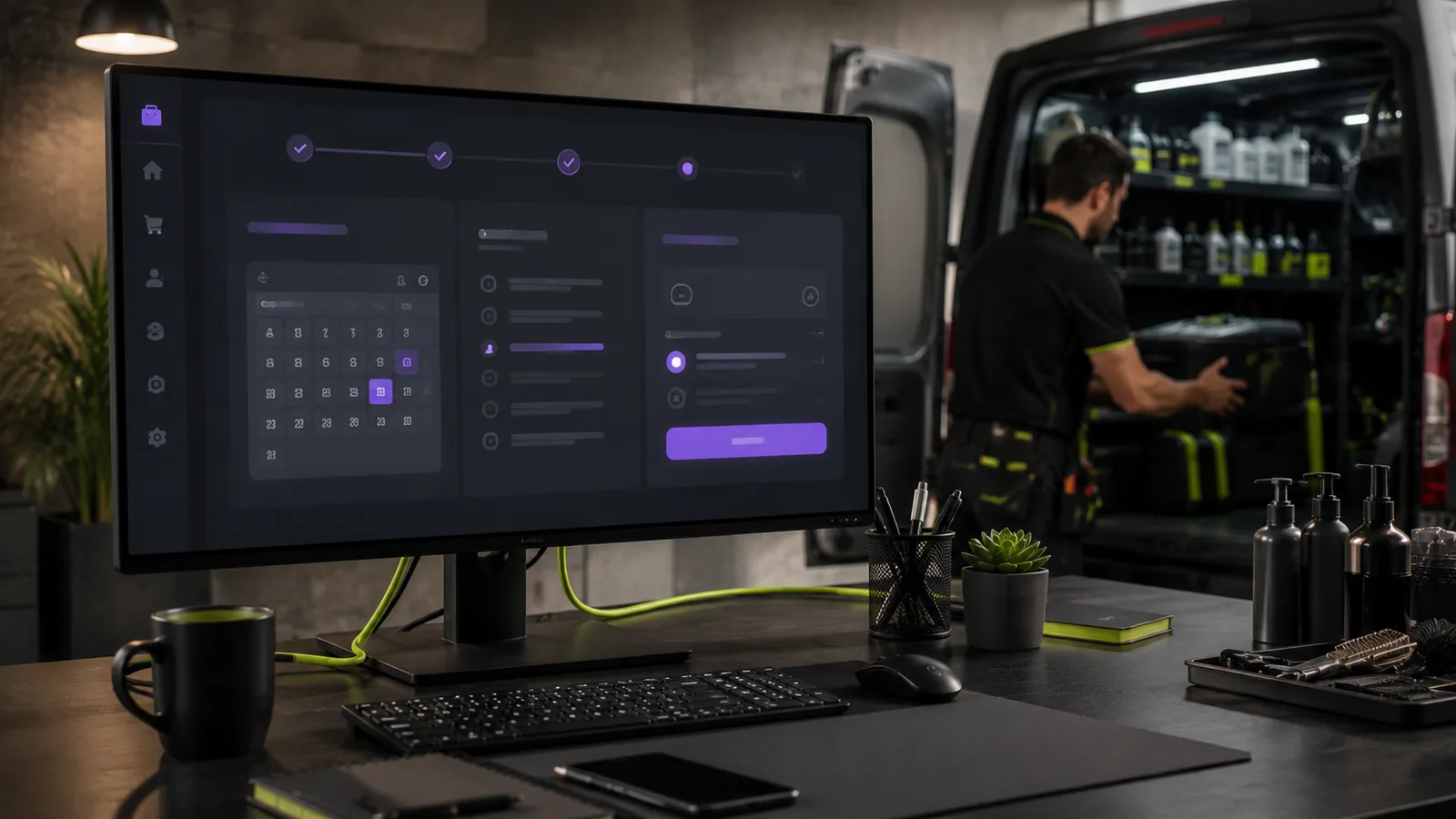
WooCommerce powers millions of online stores, almost all built for physical products: add to cart, shipping, inventory SKUs. Service businesses adopt it because it handles payments, taxes, invoices, and customer accounts better than bespoke checkout scripts. Then they discover that booking a skip bin, paying a move deposit, or scheduling a trade visit is nothing like selling a T-shirt.
Used with the right architecture, WooCommerce is a strong checkout engine for service bookings. Used naively, it creates cart confusion, checkout fields that do not fit the job, and admin workflows that fight your operations team every Monday.
This guide explains what WooCommerce does well for service businesses, where it breaks without customisation, and how to design flows that match how customers actually hire you, with links to WordPress vs custom booking systems when you need to decide how far to go.
Why service businesses choose WooCommerce
WooCommerce is mature, well-documented, and integrates with accounting, email marketing, and payment gateways your accountant already recognises. For WordPress-based service sites, it avoids rebuilding payment PCI scope, order records, and customer history from scratch.
Legitimate reasons operators choose it:
- Card payments and deposits, Stripe, PayPal, and regional gateways work out of the box.
- Order audit trail, every transaction logged with timestamps and customer details.
- Coupons and promotions, seasonal skip hire discounts or move-day specials without custom code.
- Extensions ecosystem, appointments, deposits, subscriptions, quality varies, but options exist.
- Familiar admin, staff may already know Woo from other roles.
Decision shortcut
If you only need quote requests with no online payment, WooCommerce may be unnecessary weight. If you take deposits or full prepayment for bookings, Woo is often the fastest secure path on WordPress.
Where default WooCommerce breaks for services
Out-of-the-box Woo assumes shippable products. Service bookings need location validation, scheduling rules, waste types, access constraints, and job metadata, none of which belong in a standard product gallery.
Cart model mismatch
Customers do not “buy” a skip bin like a widget. They hire capacity for a window, at an address, with placement and permit constraints. A single add-to-cart button skips the education and compliance steps that prevent bad bookings.
Shipping fields on checkout
Woo checkout defaults to billing and shipping addresses designed for parcels. Service jobs need structured job-site addresses, often different from billing, plus notes dispatch can action, not a single “order notes” box buried at the bottom.
Inventory and variations misuse
Teams map bin sizes or van types to product variations, then struggle when pricing depends on zone, duration, and add-ons combined. Variation explosion makes admin fragile.
| Product ecommerce assumption | Service booking reality |
|---|---|
| Fixed SKU price | Zone, duration, and access affect price |
| Ship to door | Deliver to job site with placement rules |
| Stock count | Fleet or bin availability by date |
| Simple returns | Cancellation policies and permit fees |
Warning sign
If your team re-types every Woo order into a spreadsheet or job system because checkout data is unusable, the checkout architecture, not staff, is the problem.
Architecture patterns that work
Successful service implementations treat WooCommerce as the payment and order layer, not the entire booking UX. Common patterns:
Multi-step wizard → Woo checkout
A front-end wizard collects location, service options, schedule, and compliance acknowledgements. At the end, it builds a cart programmatically, line items for bin hire, add-ons, permits, and sends the customer to Woo checkout with session data attached. This is how many skip bin operators structure bookings; see skip bin booking customer expectations for what the wizard must cover.
Quote request → manual quote → pay link
For complex moves, a structured quote wizard feeds staff who send a Woo payment link for deposits. Combines human pricing with automated payment capture. Relevant for moving company online quote systems.
Appointment plugins inside Woo
Off-the-shelf booking plugins suit salons, consultants, and simple time-slot services. For zone-based hire with fleet constraints, they often hit limits, evaluate against your operational rules before committing.
Architecture checklist
- Booking UX separated from product catalog where complexity is high
- Cart built from validated wizard session, not manual product picks
- Order meta stores job fields operations needs
- Service zones enforced before checkout, not after payment
- Staging environment to test plugin updates before production
Checkout fields and order metadata
Checkout should collect only what payment and compliance require. Job details captured in the wizard should flow into order meta, visible in admin and exportable, so customers are not asked twice.
Field mapping principles
- Map wizard address fields to custom order meta, not only shipping lines.
- Store human-readable labels (“Stairs at delivery, 2 flights”) not just internal codes.
- Pass waste type, bin size, van type, placement, and date/time as structured meta.
- Include a printable summary in order emails to admin and customer.
Poor field design is a subset of why generic forms fail, explored in why contact forms fail service businesses. Checkout is the last mile of the same problem.
Deposits, dynamic pricing, and add-ons
Services rarely use list price alone. Woo supports deposits via extensions; dynamic pricing via rules plugins or custom cart logic. Keep rules transparent, customers should see line items before paying, not surprise fees after.
Common pricing models in Woo
| Model | Woo implementation | Watch out for |
|---|---|---|
| Flat package | Simple product or variation | Scope creep on job day |
| Zone-based base + add-ons | Wizard-calculated cart lines | Testing all zone edge cases |
| Deposit now, balance later | Deposit extension + manual invoice | Tracking balance outside Woo |
| Full prepay before dispatch | Standard checkout | Refund policy clarity |
Add-ons and upsells
Skip tarps, extra hire days, priority delivery, packing materials, present add-ons in the wizard where context is highest, not buried in checkout. Woo cart line items keep accounting clean versus one lump sum with hidden components.
Skip bin and moving examples
Two industries illustrate opposite ends of the Woo service spectrum.
Skip bin hire: full Woo journey
Skip operators often need full online payment before dispatch. A multi-step wizard validates postcodes, explains waste rules, captures placement, then creates Woo cart items for bin hire and add-ons. Session memory prevents loss if the customer browses away mid-flow. Expectations for this journey are detailed in skip bin booking online.
Moving: quote first, Woo for deposits
Many movers avoid instant online pricing for whole-home relocations but use Woo for man-and-van deposits once staff confirm scope. The Man & Van Booking System pattern, structured quote intake with optional payment integration, fits operators who want qualified leads before money changes hands.
Industry lesson
Match payment timing to trust and complexity. Skip hire customers often expect to pay online immediately; large moves often expect a conversation before a deposit link.
Tax, invoicing, and accounting handoff
WooCommerce generates order records your bookkeeper can reconcile, a practical reason operators tolerate its complexity. Configure GST/VAT correctly per line item, especially when add-ons have different tax treatment. Export orders to Xero, QuickBooks, or MYOB via plugins or CSV on a schedule your accountant agrees to.
Service businesses often issue invoices outside Woo for balance payments. Document which system is source of truth to avoid duplicate revenue recognition. A deposit in Woo plus manual invoice for balance is fine if staff know the workflow.
Refunds, cancellations, and customer service
Hire businesses face weather delays, permit failures, and customer changes. Woo supports partial refunds and order notes, train staff to log reasons. Clear cancellation policies on the booking wizard reduce disputes; link terms at checkout acceptance checkbox.
Chargeback risk rises when customers feel misled about placement, waste types, or access fees. Transparent cart line items protect you better than one opaque “move service” product.
Operations, admin, and fulfilment
Woo admin is order-centric. Dispatch teams think in jobs, routes, and calendars. Close the gap with:
- Admin columns, surface date, suburb, bin size, or van type on the orders list.
- Exports and webhooks, push new orders to route planning or CRM tools.
- Status workflows, custom order statuses: “Scheduled,” “On site,” “Collected” beyond Processing/Completed.
- Staff training, orders must read like job sheets, not ecommerce receipts.
Maintenance and plugin updates
Woo booking stacks combine WooCommerce, theme, wizard plugin, payment gateway, and caching. Updates cause conflicts. Staging, backups, and selective update cadence are mandatory, see why plugin updates break WordPress sites and monthly maintenance plans.
Performance at checkout
Heavy plugins on checkout pages hurt mobile conversion. Monitor Core Web Vitals on checkout URLs specifically; slow payment pages abandon revenue directly, tied to broader themes in slow websites losing bookings.
When to skip WooCommerce entirely
Quote-only businesses with no online payment may not need Woo weight, structured forms plus CRM suffice. Evaluate honestly in WordPress vs custom booking systems. Adding Woo “for later” without a payment roadmap increases maintenance cost now.
Conclusion
WooCommerce is not built for service bookings out of the box, but it is a capable payment and order backbone when you separate booking UX from checkout. Use wizards for job data, carts for transparent line items, and order meta for operations. Match payment models to industry expectations: full prepay where customers expect it, deposits after quotes where scope varies.
Before committing, decide whether plugin-plus-wizard covers your rules or you need custom logic, the framework in WordPress vs custom booking systems helps. Invest in admin visibility and integrations so Woo orders become job sheets, not puzzles.
Done right, WooCommerce lets service businesses take money online without reinventing payments. Done wrong, it is a expensive cart plugin that your team works around every day. Architecture determines which outcome you get.
Pre-launch staging checklist for Woo service flows
Before taking a new booking checkout live, walk through these scenarios on staging with real payment gateway test mode:
- Complete booking inside service zone, verify cart lines, tax, and confirmation emails.
- Attempt booking outside zone, wizard should block before payment, not after.
- Abandon mid-wizard and return, session should restore or fail gracefully with support message.
- Apply coupon or deposit rule, totals match what operations expects on the job sheet.
- Process refund and partial refund, accounting export still reconciles.
Selecting Woo extensions without plugin bloat
Each Woo booking extension adds update risk. Prefer one wizard or cart-logic plugin with a clear maintainer over stacking five single-purpose plugins that conflict at checkout. Before installing, ask: Does this touch the cart on every page load? Does it require a separate database table? Is there documented uninstall behaviour?
Read recent support forum threads for conflicts with your payment gateway and caching plugin. Service checkout stacks fail in edge combinations, not in demos.
Involve operations staff in UAT before launch. They spot missing fields on order screens that developers never notice, parking notes, waste types, or access codes that dispatch needs on day one.
That single review often prevents the “we paid but nobody scheduled us” support calls that destroy reviews.
Document results. One passed staging run saves a weekend of production firefighting when peak season starts.
Frequently asked questions
- Can WooCommerce handle skip bin or moving bookings?
- Yes, with custom cart logic or specialised plugins plus careful checkout field design. Off-the-shelf Woo alone is rarely enough.
Need help with this?
Let's review your setup
I help service businesses fix WordPress, bookings, security, and performance, with systems that support revenue, not just launches.
Related articles
 Bookings
WordPress vs Custom Booking Systems: How to Decide
Plugins are faster to launch; custom systems fit complex operations. Here is a honest framework for choosing without overbuilding or underinvesting.
Read article Skip Bin Hire
Skip Bin Booking Online: What Customers Expect in 2026
Customers compare your booking flow to Uber and Amazon, not to other skip bin sites. Here is what a modern online hire experience looks like.
Read article Moving
Moving Company Quotes: Phone-Only vs Online Booking Systems
Phone quotes made sense when moves were simpler. Today’s customers expect structured online intake, stairs, parking, van size, and all.
Read articleReady to talk?
Book a strategy session or send a message. I'll respond with a clear next step.